Point it at a release. Get the launch video.
Cutroom reads your codebase, writes the script, checks every claim against the code and renders the video, on open models, on your own machine.
Why Cutroom
Every release gets a video.
Point it at a tag, a release or a commit range, and it makes a video about only what changed.
It can't lie about your product.
Every headline, label and number is checked against the code before anything renders.
Your code stays on your machine.
Gemma and Kokoro run locally. Nothing is uploaded.
How it works
- 1Reads your repo
- 2Writes a brief with evidence
- 3Writes the storyboard
- 4Audits every claim
- 5Renders 16:9, 9:16, 1:1 and 4:5
Four looks
The same storyboard, rendered in each style.
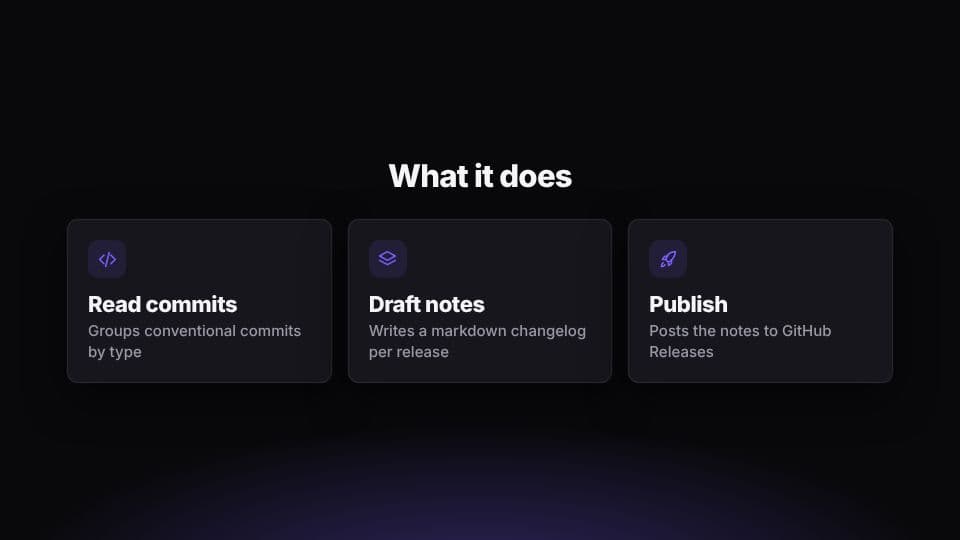
Studio
Near-black with a soft glow; your app floats in a window. Voice first.
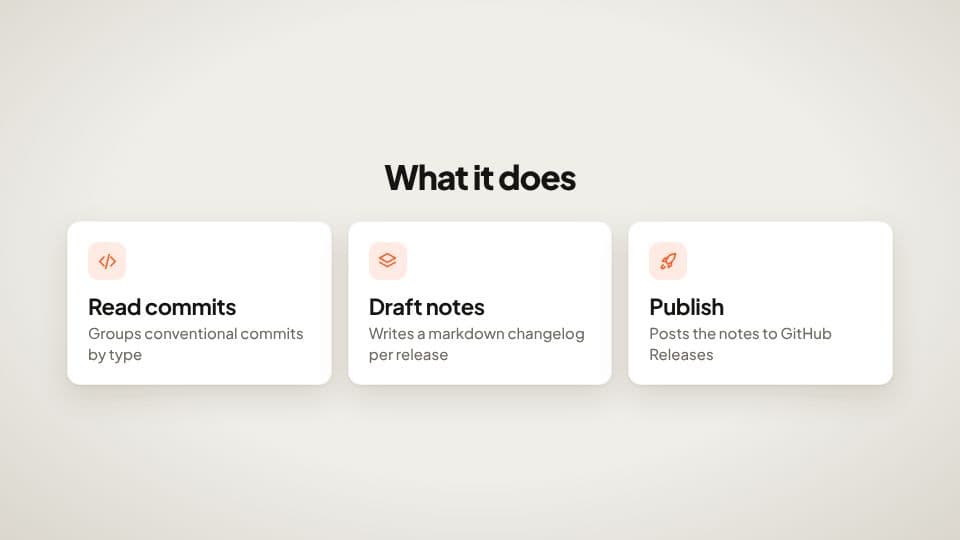
Editorial
Warm paper, white cards and big numbers. Music-led, magazine pacing.
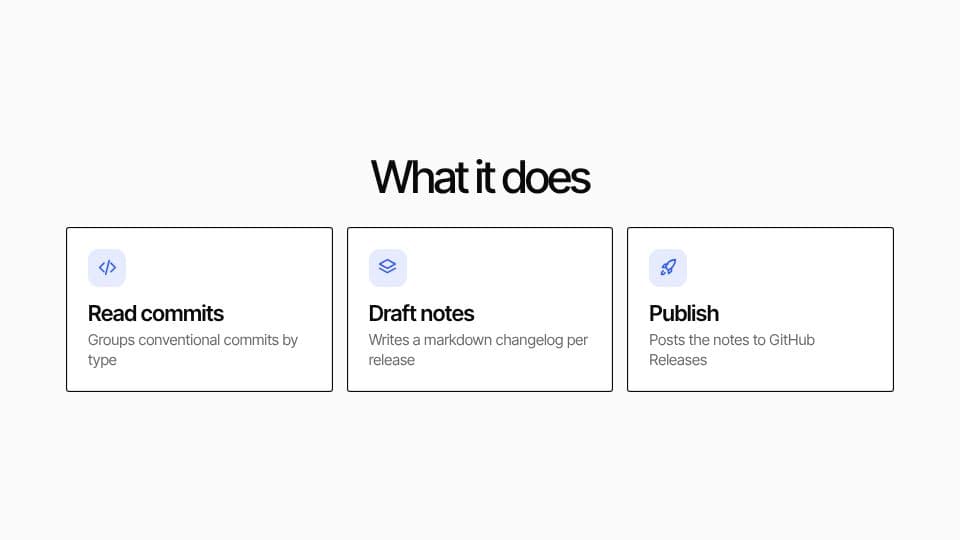
Graphic
Off-white grid, tight type and colour slabs cut on the beat.
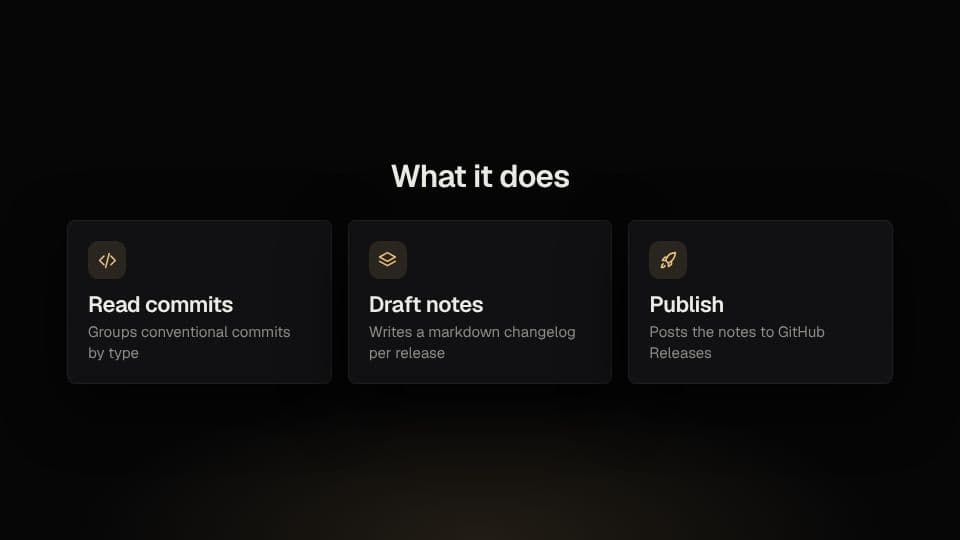
Cinematic
Near-black, low glow and lots of space. Slow focus pulls.
Run it yourself
Needs Node 22, pnpm 10, ffmpeg and Ollama. No GPU? npx cutroom demo films a sample repo with a scripted model.
pnpm install
pnpm cutroom setup                 # downloads the Kokoro voice model once (~90 MB)
ollama pull gemma4:e4b             # default model; see docs/decisions/0003
pnpm cutroom make --repo ./path/to/app --preset launch-editorial --ratios 16:9,9:16 --privacy localWant the hosted version?
Cloud rendering, premium voices, team presets.